
Mole
Native Mac utility for cleanup, software, and status
Mole FAQ
How is the Mac app different from the CLI?+
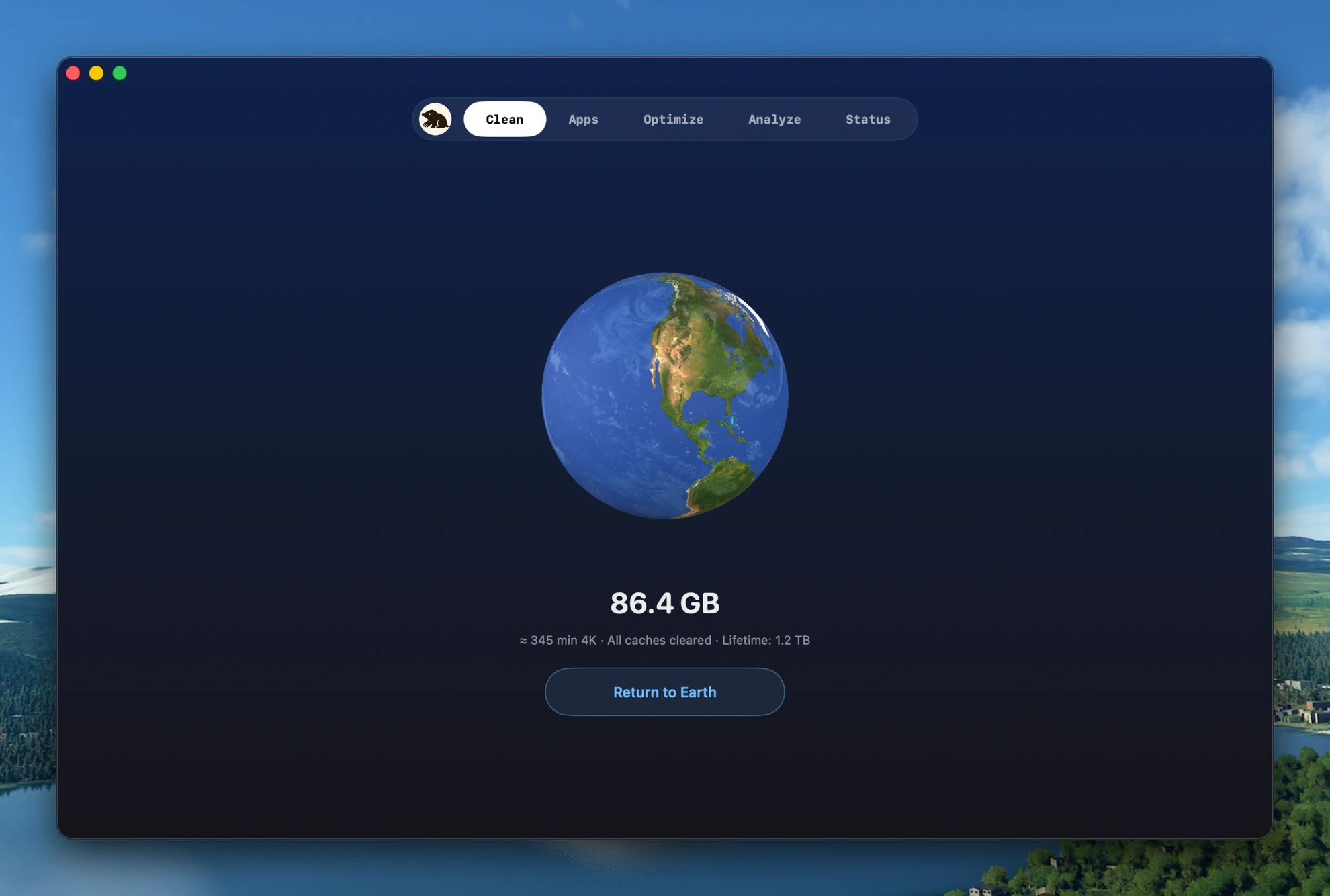
The Mac app brings the full Mole into a native interface: clear caches, remove apps with their leftovers, repair Quick Look/caches/system metadata, map disk usage, and watch live CPU, memory, GPU, disk, battery, and fans. It also includes the menu bar HUD, fan control, startup management, in-app updates, and privacy alerts. The CLI remains free and open source for terminal workflows.
How does Mole compare to CleanMyMac?+
Pay once and keep using it, with no subscription or renewal. Mole shows every file before cleaning and sends recoverable removals to the Trash. It covers developer and AI tool caches, design apps, cloud drives, browser leftovers, and large logs, then adds disk maps, live status, the menu bar HUD, fan control, and privacy alerts — one native app, no feature tiers.
Can Mole delete something important?+
Every action shows the file list and size first; nothing is removed until you confirm. App uninstall goes through the system Trash. Cache cleanup follows the removal mode you choose, while emptying Trash is permanent. System paths and anything outside known cache locations are denied outright; when safety is unclear, Mole skips the file and tells you why.
Why does Mole need Full Disk Access and an admin password?+
Full Disk Access lets Mole read caches and leftovers in your user Library (protected on macOS 14+). The admin prompt appears only when a system-level cleanup needs it. Everything runs locally; without either permission Mole still works but can reach fewer files.
No license email, or need your receipt or license key again?+
Open the Dodo Payments Customer Portal and enter the email used at checkout; Dodo sends a one-time login link so you can view the order, download the invoice, and find the license key. If it still doesn't show, email hi@mole.fit with the purchase email or Payment ID.
Activation not working?+
Paste the full key from the Dodo email (Mole strips spaces, line breaks, and reformatted dashes). For a network error, turn off VPN/proxy or try a phone hotspot, then retry. The activation limit follows your edition (the current one covers two Macs); when full, the activation window lists your devices so you can free one. Still stuck? See the help page or email hi@mole.fit.



